
 Game Usagi has been undergoing a lot of changes in anticipation for our 3rd birthday on May 1st. The first and biggest change is that logging in to comment on Game Usagi has been significantly stream-lined. You can now use your Google, Yahoo!, Facebook, Twitter, OpenID or Windows Live ID to log-in and it will automatically set you up with a GameUsagi account and enable one-click logging in from then on. It’s good to know what’s been going on, so here’s what else been changed at Game Usagi recently:
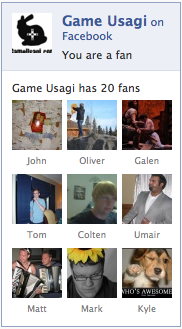
Game Usagi now has a facebook page, so you can Fan us to get your Game Usagi news while you’re playing Farmville.
Game Usagi navigation has been improved in two key ways:

There is now a top nav-bar to let you easily filter Game Usagi posts if you’re looking for reviews for a certain system or want to do a search of our review backlog.
 Plus, instead of just linking to “<< Older Posts” one page at a time, you can now very easily navigate through the pages with the page selector at the bottom of the site.

The forums, in addition to their recent complete overhaul, now have a nav-bar of their own along the top so that you can still get to your favourite Game Usagi locations quickly when you’re chatting away.
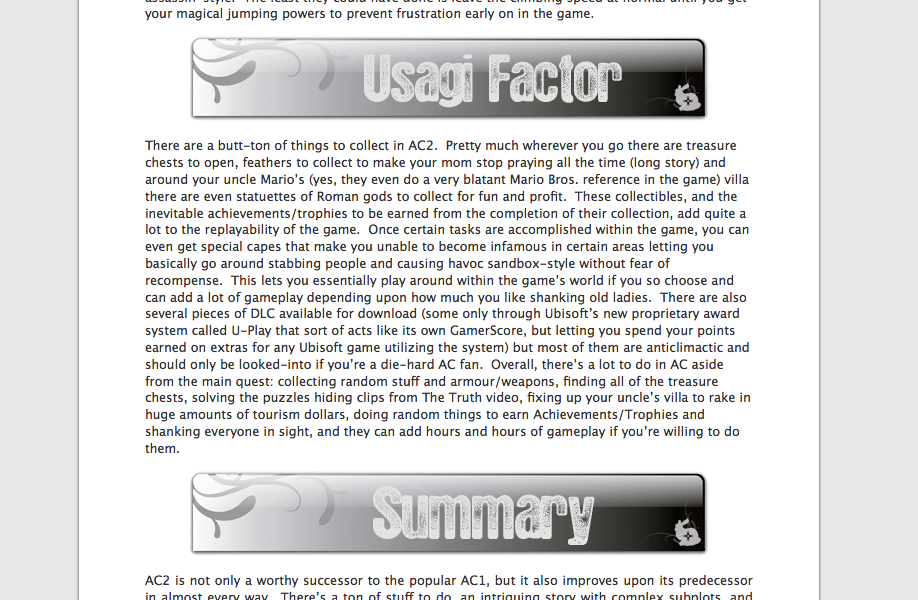
Game Usagi posts are now in super-wide form and fill the entire page without the sidebar to ease your Usagi reading experience.
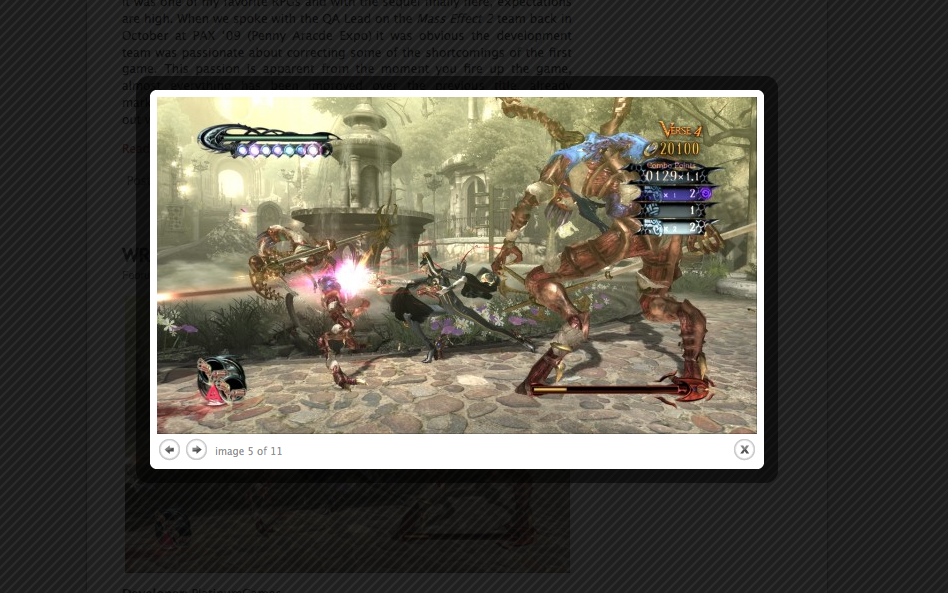
Lastly, whenever you click on an image on Game Usagi, you get a nice Lightbox-like pop-up interface that lets you sift through all of the images on the page without having to load them separately.
Hope you like the changes! If you have any more suggestions or comments on the new features, feel free to contact us at admin@gameusagi.com. We’d love to know what you think.
-Miyamoto