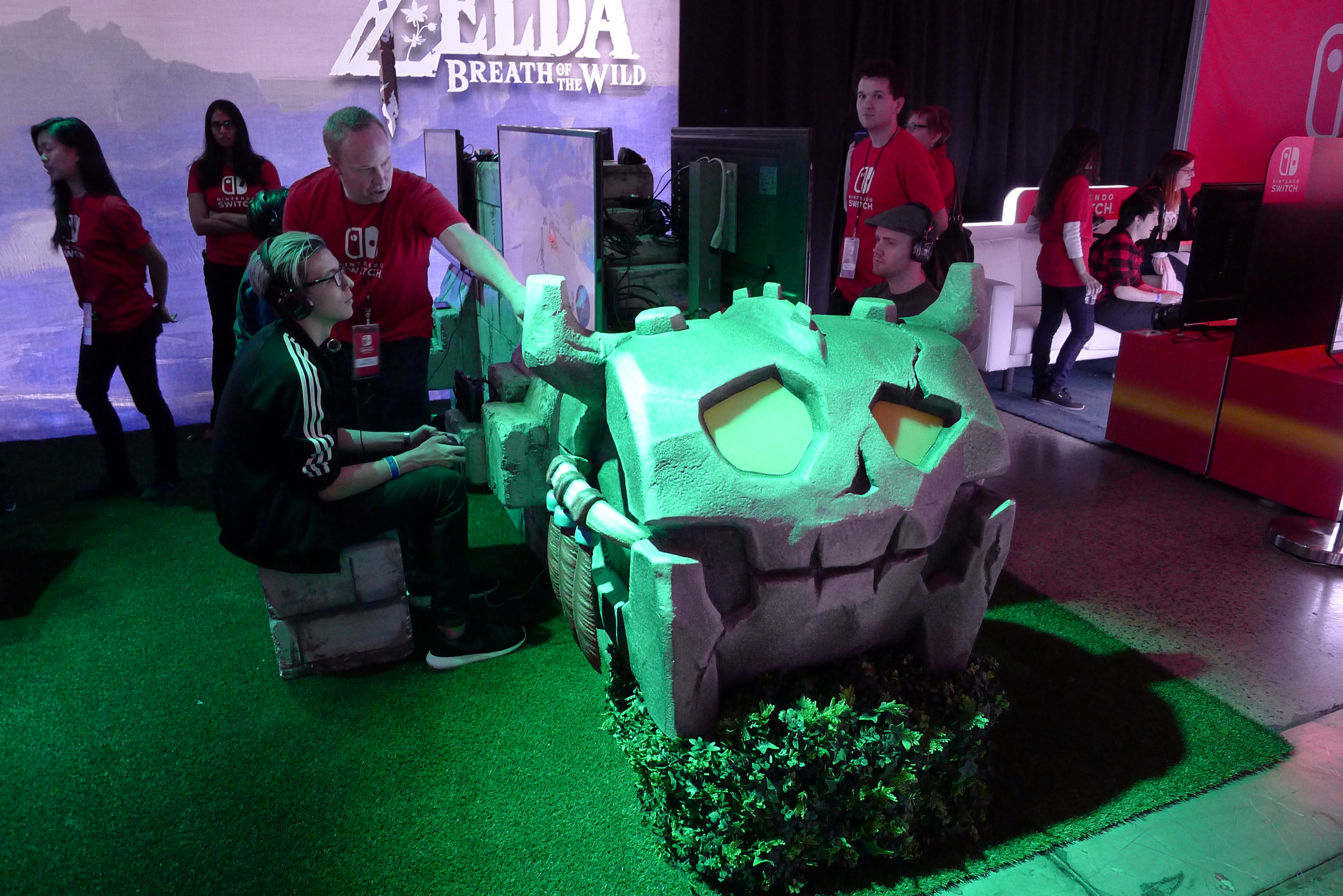
Here is a gallery of pictures from our time at the Nintendo Switch Preview Tour stop in Toronto as well as some extra info we found out about the system. If you have any additional questions you’d like answered about the Nintendo Switch, we’ll be happy to answer them in the comments section!
- The Joy-Con Grip that comes with the system definitely does not have a USB-C port, only the Charging Grip does
- You can indeed use the headphone port when the system is docked, I played Zelda like this and it worked just fine
- All ports are USB 2.0 on the dock until a firmware update for some reason?
- The kickstand is a bit filmsy so don’t plan to be putting any weight on it (like pressing hard on the touch screen)
- They literally cut holes in the table for Snipperclips so that they could keep the systems plugged in in tabletop mode
- The Joy-Con Straps have a grey tab you can pull out to lock them in place
- The aliasing on Breath of the Wild and Super Bomberman R in particular is quite extreme in TV Mode, but the high PPI on the Switch’s screen helps them look quite a bit better in portable modes.
- I was not that impressed by the haptic HD rumble (more on this later)
- The system is roughly as heavy as a Wii U GamePad (we got to play around with one that didn’t have the big clunky metal anti-theft device attached to it)
- Snipperclips is a ton of fun in two-player mode and probably the best original game that was on display
- The tops of the sticks on the Pro Controller feel huge and I like it, the buttons also feel a bit large but felt good
- The triggers on the Joy-Cons and the Pro Controller are all very definitely digital buttons, which is a shame. The Pro Controller “triggers” feel alright, but largely the same tactile sensation as the Wii U Pro Controller digital triggers.
- The Joy-Cons are so light they feel hollow, which is impressive considering all of the things in each one. Neither feels heavier than the other, nor is either uncomfortable to use sideways by itself. They do however feel quite a bit better to use in single/sideways mode with the straps attached as the least comfortable part of them is the SR and SL buttons, not the relative joystick/button placement.
- Most people will probably use the right Joy-Con’s stick with the middle of their thumb instead of the tip of it when in portable modes. Once the Joy-Cons are in the Comfort/Charging grips, then the right stick can be used as normal and it feels as comfortable as any other proper console controller.